Adobe Photoshop
Adobe Photoshop is the raster graphics editor from Adobe for photo retouching and image editing. Version 2026 27.10 installs as a trial on Windows.
2.4 MB

CorelDRAW is a professional vector graphics editor for Windows from Corel Corporation, used for logos, layouts, signage and illustration.
Average 0.0 · ratings: 0
Thank you! Your rating is saved; you can change it. Could not save the rating. Please try again later. Too many ratings from your network today. Please try again tomorrow. The average appears after 5 ratings.
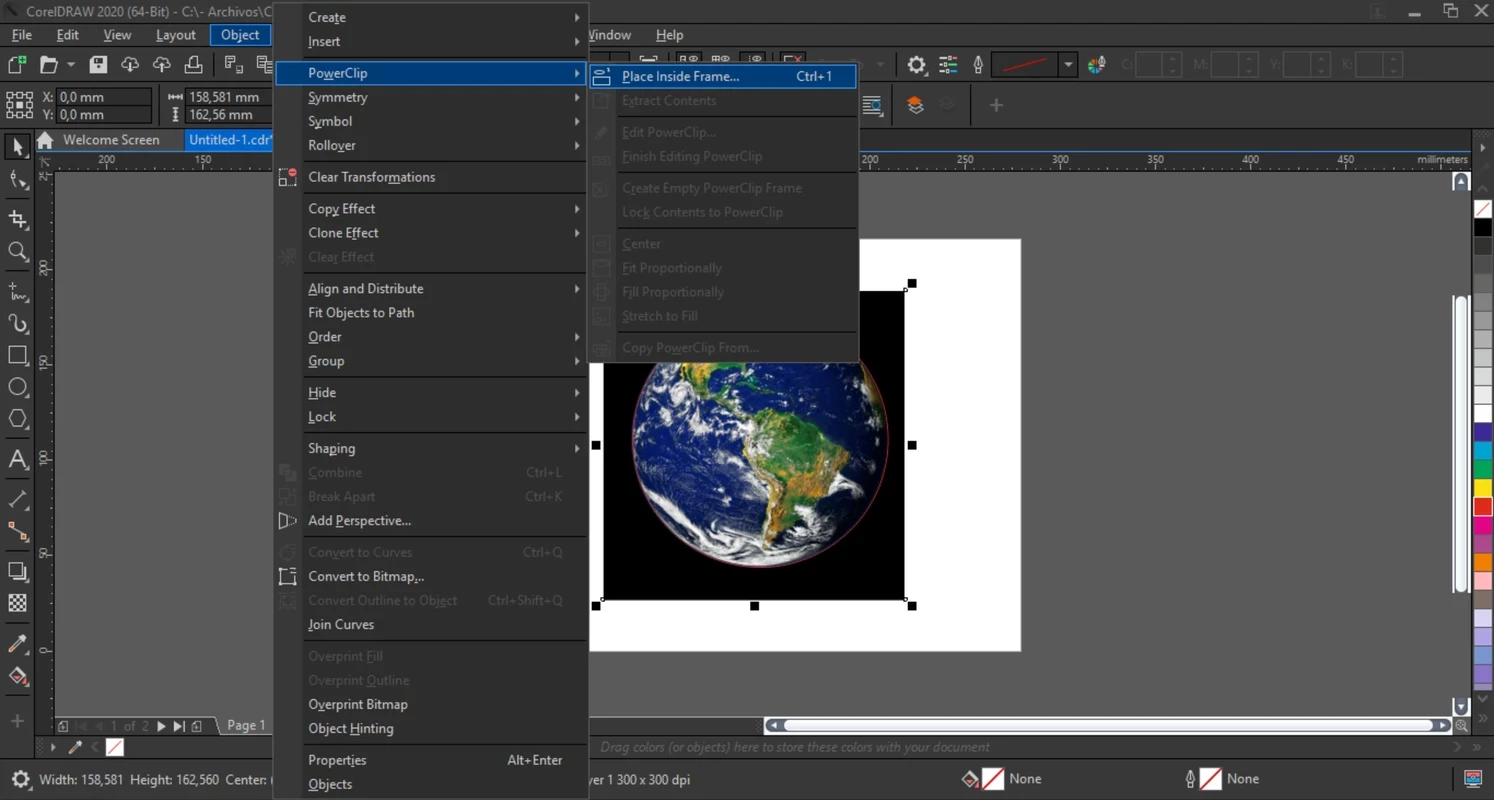
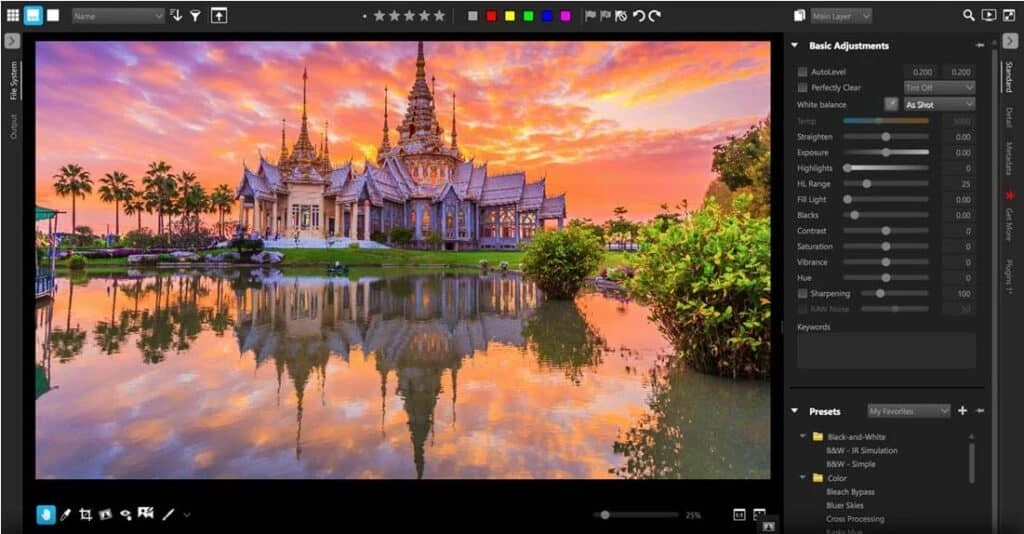
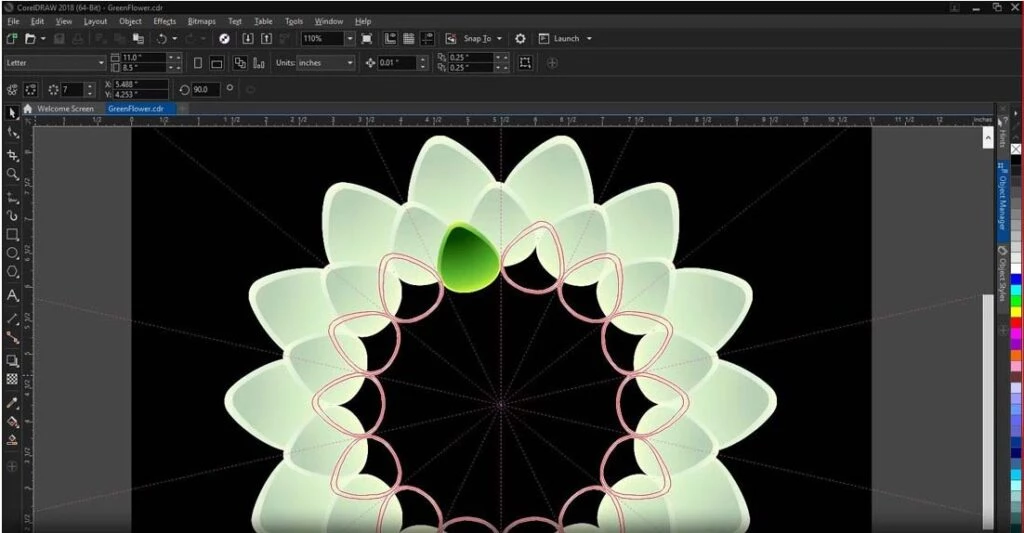
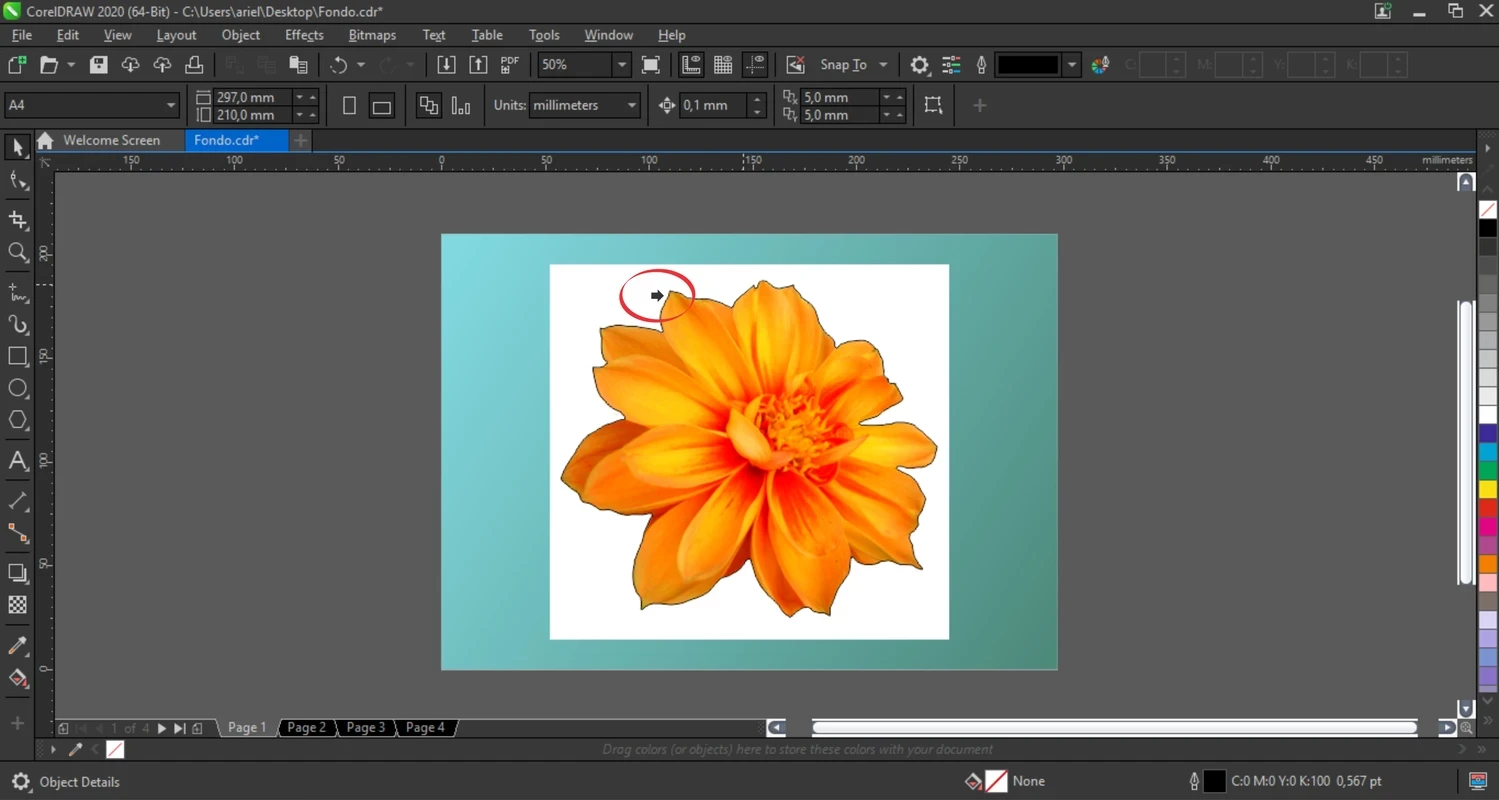
CorelDRAW 27.0.0.10 is a vector graphics editor for Windows developed by Corel Corporation of Ottawa, Canada. You can download CorelDRAW from the official website coreldraw.com as a trial and decide afterwards whether to buy a licence.
Vector graphics are made of shapes and curves rather than pixels, so a logo drawn in CorelDRAW can be printed on a business card or a truck without losing quality. That makes the program a working tool for people who prepare designs for print and production: sign makers, print shops, packaging and label designers, embroidery and engraving businesses, and freelancers who create logos, flyers and brochures. Illustrators and hobbyists who want precise drawing tools are another audience. If you only need to crop photos or make a quick social media image, a simpler editor or a free web tool is a better fit; CorelDRAW pays off when you design regularly and need exact control over shapes, text and colours.
| Item | Details |
|---|---|
| Version | 27.0.0.10 |
| Developer | Corel Corporation, Ottawa, Canada |
| Type | Vector graphics editor |
| Platform | Windows |
| Licence | Proprietary, trial available |
| Installer | about 3.36 MB according to catalogue data (a small starter file) |
Earlier releases include CorelDRAW 2021 (March 9, 2021), 2023 (May 8, 2023) and 2025 (version 26.0.0.101, March 4, 2025).
A trial period passes quickly, so plan it. Pick one or two real projects, such as a logo redesign and a flyer, and do them from start to finish in CorelDRAW rather than only clicking through menus. Test how your files open in the programs your printer or clients use, and export to the formats you need most often. Check whether the fonts and colour settings you rely on behave as expected. At the end you will know whether the program speeds up your work enough to justify the licence.
CorelDRAW runs on Windows. Keep enough free disk space for the application, its content and your project files, and back up your work regularly, especially designs you deliver to clients. Save versions of important files under new names so that you can go back to an earlier stage.
CorelDRAW is paid software with a trial. Buy it from coreldraw.com or authorised resellers. Cracked copies are a frequent source of malware and can damage files you work on for clients, so they are not worth the risk.
Our listings include Adobe Illustrator, another professional vector editor, and free options such as GIMP for raster graphics and Microsoft Designer for quick designs.
Adobe Photoshop is the raster graphics editor from Adobe for photo retouching and image editing. Version 2026 27.10 installs as a trial on Windows.
Adobe Illustrator Online refers to using Adobe's vector design tool through the browser and Adobe's web services, with an Adobe account and plan.
Adobe Illustrator is Adobe's vector graphics editor for logos, illustrations and print design. This page covers Illustrator CC 2026, version 30.8, for Windows.

PicWish is an AI photo editing app for Windows that removes backgrounds, cleans up images and prepares product photos with a few clicks.

PixelLab is an Android app from App Holdings for adding text, stickers and effects to photos; on a Windows PC it runs through an Android emulator.
Adobe Photoshop CS6 is an older perpetual-licence version of Adobe's image editor for Windows; Adobe no longer sells or updates it, and today's Photoshop is subscription-based.